


Table of Contents
Touch or Buttons? Why This Question Falls Short.
The comparison of input technologies repeatedly arises when discussing operating concepts for mobile machines. While the distinction is easy to understand, it falls short in practice for OEMs and machine manufacturers. In vehicle applications, success is determined not by the input technology itself, but by how consistently the entire operating concept is adapted to real-world operating conditions.
This article explores the requirements that modern display concepts must meet and explains why the evaluation should focus not on individual input technologies, but on the interaction between ergonomics, operating logic, and the application environment.
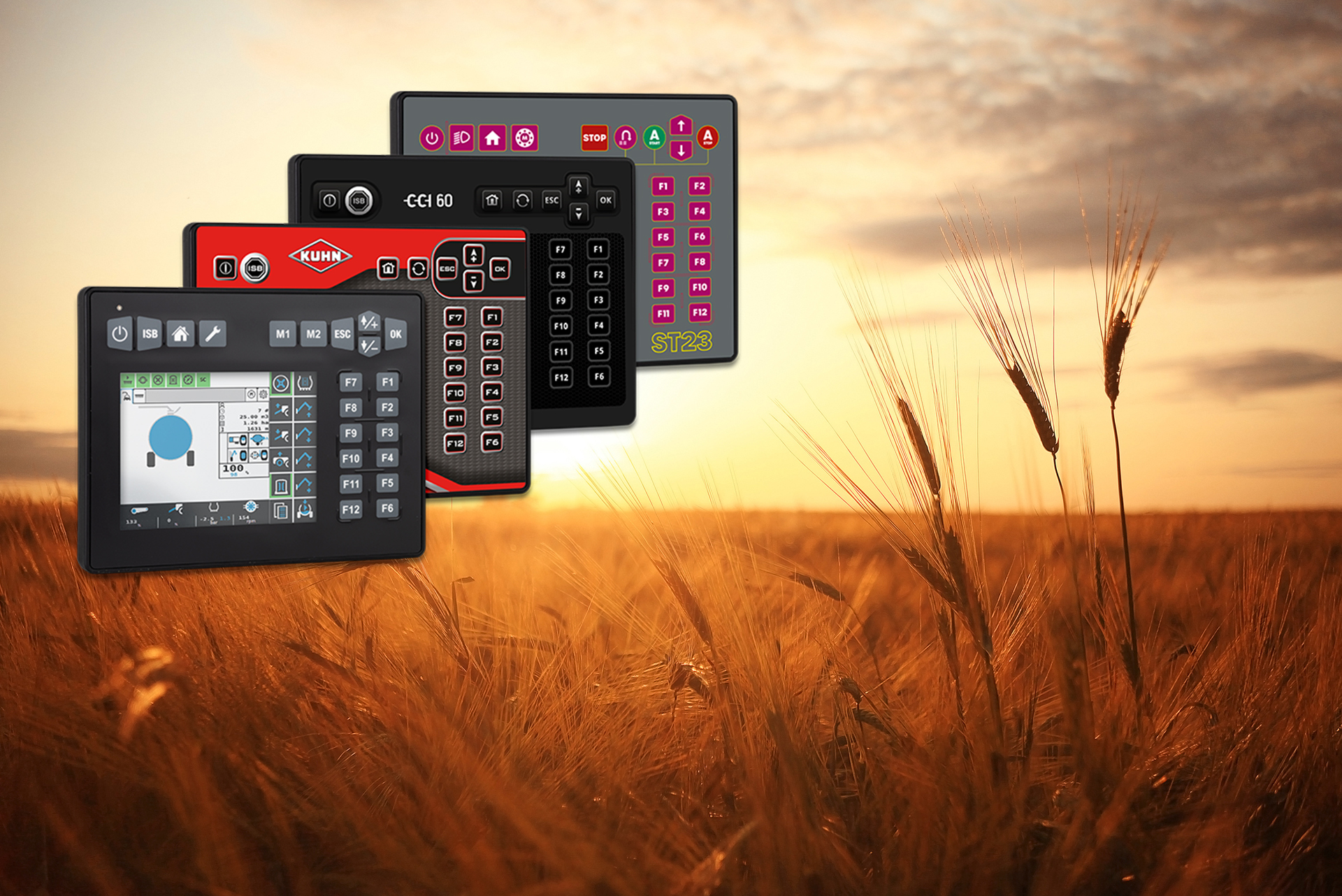
Real-World Operating Conditions as the Benchmark
A display concept must maintain clarity, prevent operating errors, and noticeably reduce operator workload even under these conditions. Therefore, the key factor is not the input method itself (touch or buttons), but how effectively the operating concept is tailored to these environmental conditions.
To make these fundamental requirements more tangible, it is worth examining typical application scenarios in the day-to-day operation of mobile machines. These scenarios clearly demonstrate why the question of the “right” input technology cannot be answered in general terms.

Overview of Typical Application Scenarios
- In municipal winter service operations, cold temperatures, moisture, and road salt define the working environment. Poor visibility and time pressure are often additional challenges. Operating concepts must therefore ensure that key functions remain quickly and safely accessible.
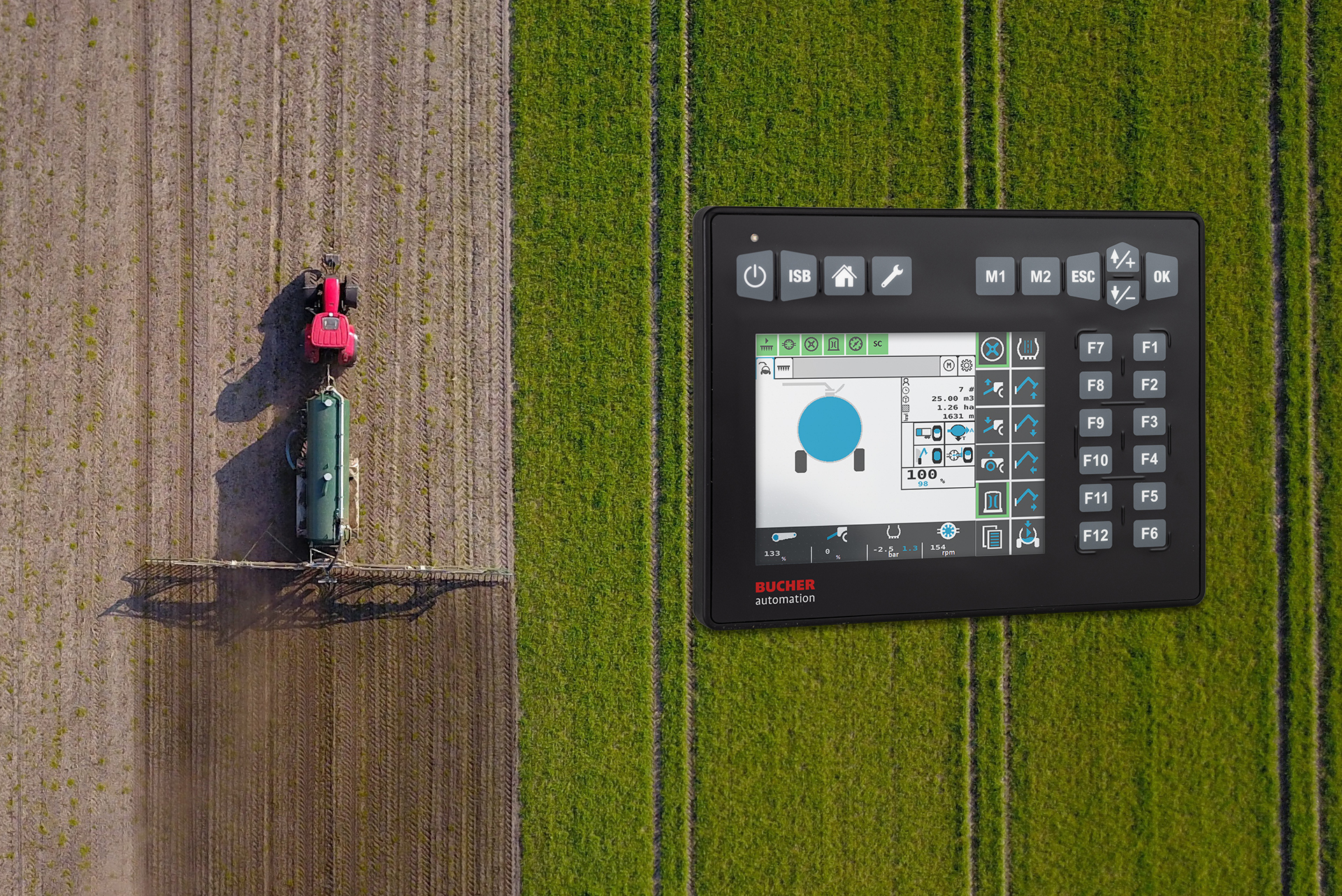
- Agricultural machines expose operators to vibrations, dust, and constantly changing lighting conditions. As a result, readability in direct sunlight and clear feedback during operation are essential for preventing errors and maintaining stable work processes.
- Construction and special-purpose vehicles often involve changing operators, coarse movements, and high work intensity. In these applications, clearly structured user interfaces and a high tolerance for operating errors are particularly important to ensure safe operation under varying conditions.
These examples illustrate that the requirements for operating concepts are not determined by the range of functions, but by the actual workflows and environmental conditions. In other words: The application defines the requirements for the display.
Intuitive Operation Reduces Operator Workload
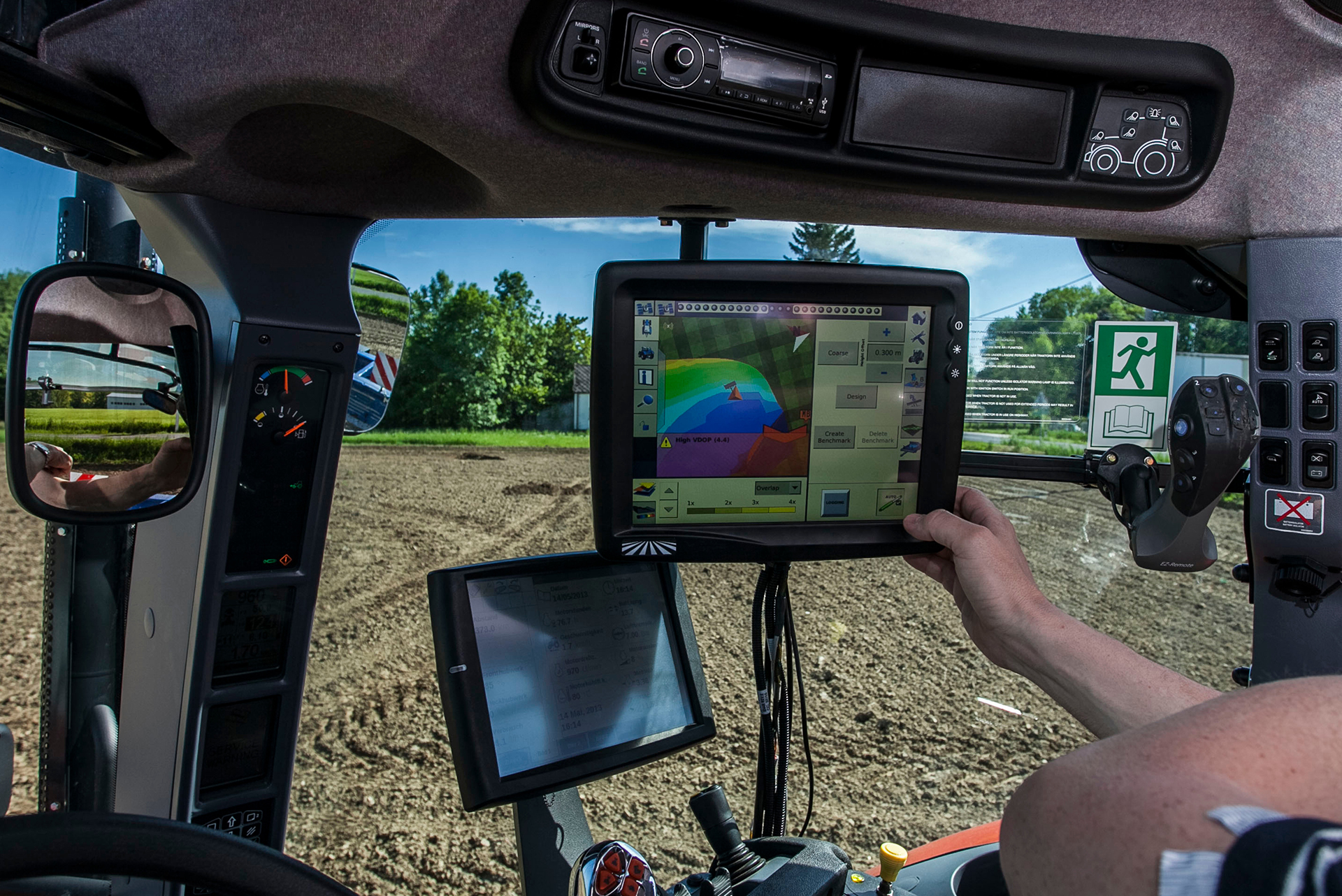
In mobile applications, intuitive operation primarily means clear menu structures, unambiguous icons and feedback, and short paths to frequently used functions. A well-designed operating concept reduces complexity and supports operators in their daily work.
One-Handed Operation as a Safety-Relevant Factor
Ergonomically positioned controls allow settings to be adjusted without losing focus on the driving task. It is particularly in the interaction between movement, environmental influences, and work processes that the quality of an operating concept becomes evident and how well thought out it truly is.

Touch, Buttons, or Hybrid Concepts
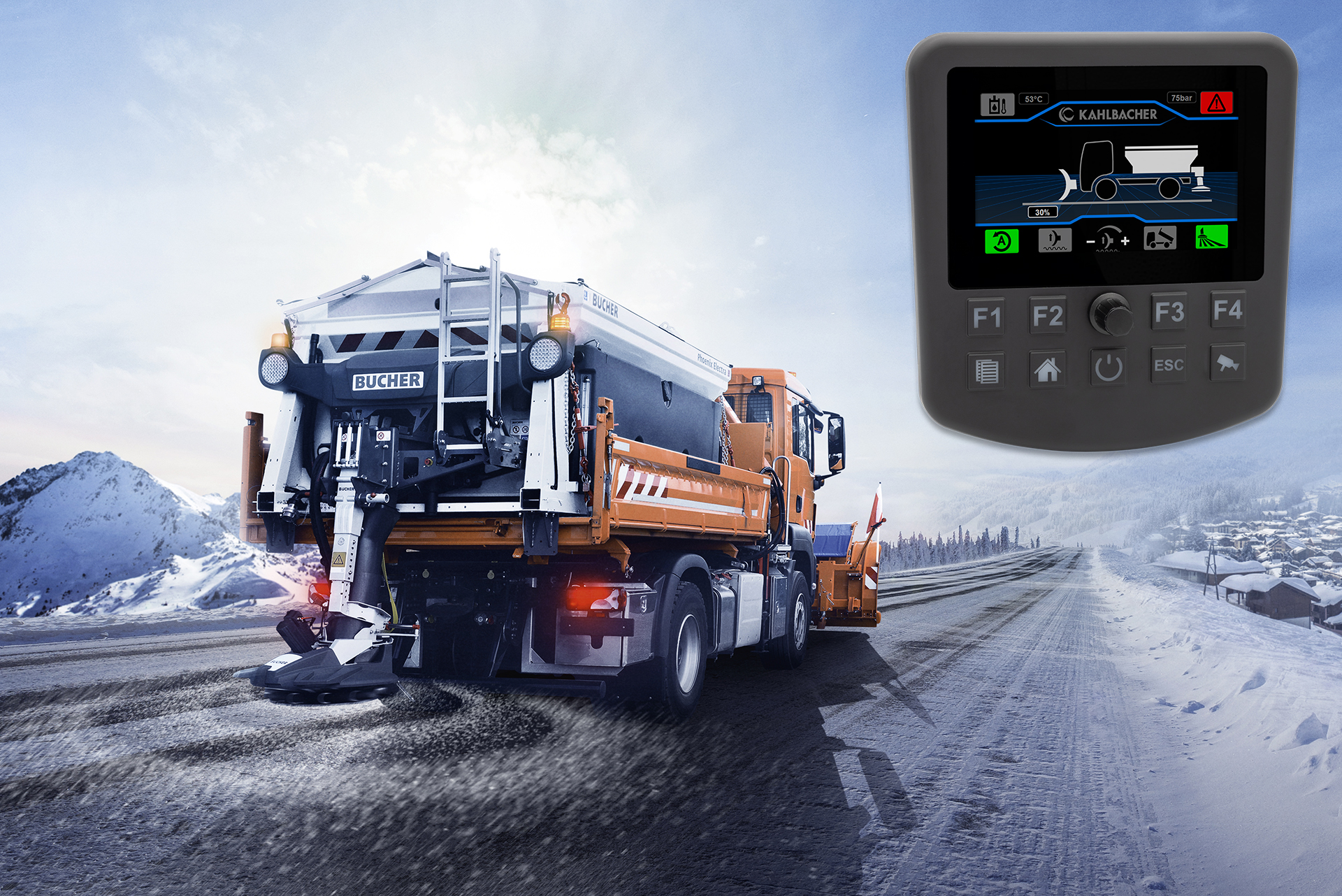
For this reason, hybrid operating concepts have proven effective in many applications. They combine the overview and flexibility of touch operation with the safety benefits of tactile controls, especially for recurring or safety-critical functions. The key factor is not the technology itself, but how effectively it is integrated into the overall operating concept.
These application requirements lead directly to concrete demands on mobile displays. The focus therefore shifts from selecting an input technology to ensuring the quality of the overall operating concept.
Technical and Ergonomic Quality Characteristics
One essential criterion is readability under changing lighting conditions. Direct sunlight, transitions between light and shadow, or contaminated surfaces must not impair the visibility of information. At the same time, content must be clearly structured and visually well organized.
Equally important is feedback on user inputs. Visual confirmations, short response times, and, where appropriate, tactile feedback help operators recognize successful inputs and identify potential operating errors before they affect the process.
Mobile applications also expose displays and control elements to continuous mechanical stress from vibrations and impacts. Operating concepts must take these influences into account, both in hardware design and in user interface development.
Last but not least, reducing cognitive workload plays a crucial role. Especially in machines with complex functions, information and controls must be arranged in a way that allows operators to understand them quickly without unnecessary distraction.
Consistency and Recognition
Standardized approaches, such as those used in the ISOBUS environment, help operators become productive more quickly. At the same time, user interfaces can be customized for specific machines or processes, provided that the operating logic remains clear and understandable.
Machine Responsibility Begins at the User Interface
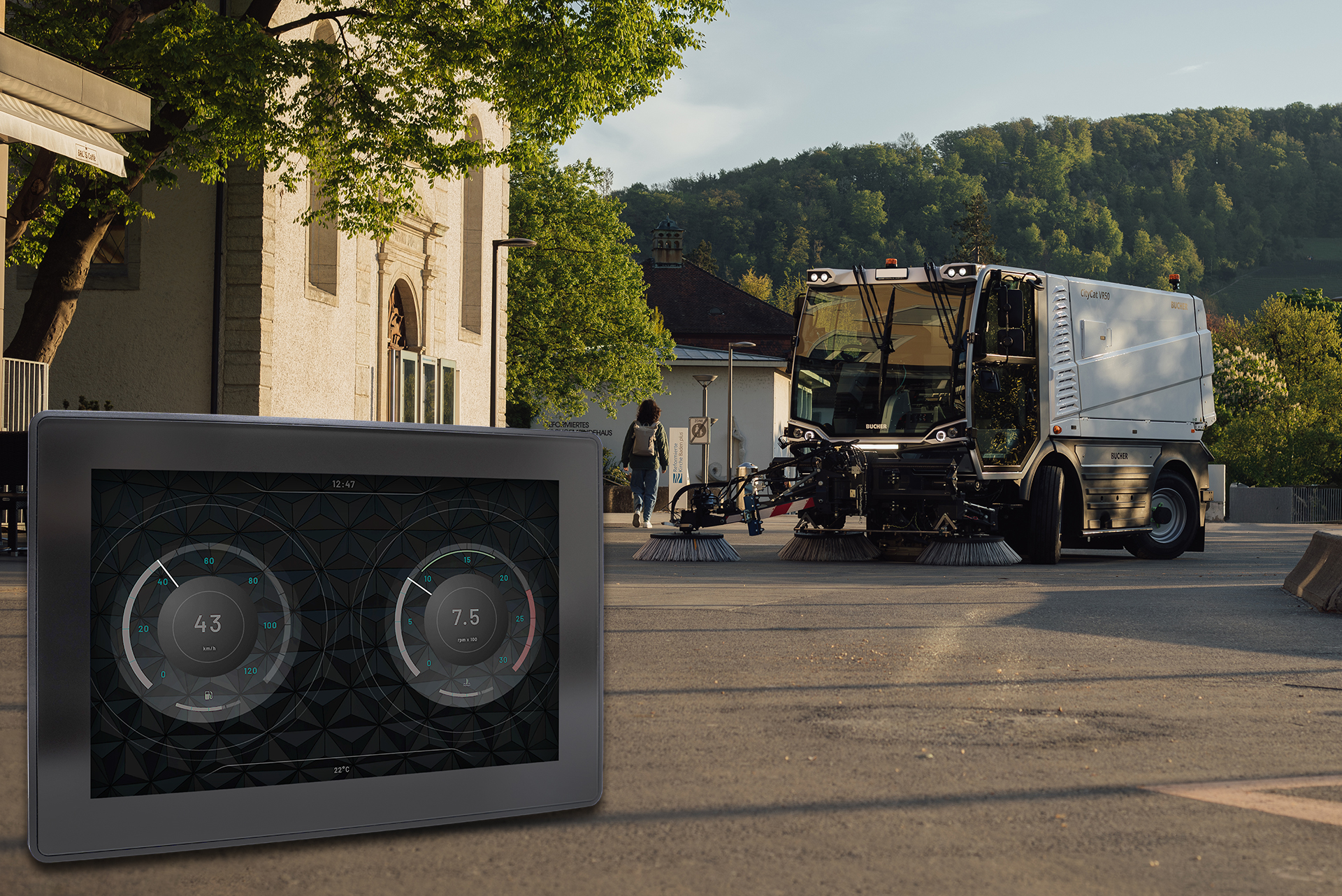
Operating errors do not only lead to process interruptions or downtime. They can also cause mechanical damage or contribute to safety-critical situations. Particularly during driving operations or complex workflows, the risk increases when functions cannot be operated clearly and intuitively.
A well-designed operating concept acts as a preventive measure. It helps operators perform tasks correctly, reduces operating errors, and contributes to stable and safe processes. Operational safety therefore becomes an integral part of machine functionality rather than a secondary characteristic of the interface.
Conclusion

Learn more about the products


Operating Concepts for Mobile Machines: Why Touch or Buttons Is the Wrong Question
FAQ
Are touch displays or buttons better suited for mobile machines?
There is no one-size-fits-all answer. What matters most is that the operating concept matches the specific application. Touch displays are ideal for presenting complex information, while physical buttons provide tactile feedback that enables safe and reliable operation. In practice, hybrid solutions that intelligently combine both technologies have often proven to be the most effective approach.
What requirements must a display meet for vehicle applications?
Displays used in mobile machines must operate reliably even under harsh conditions. This includes excellent readability, usability while wearing gloves, and resistance to vibration, dirt, dust, and moisture. A clear and well-structured user interface also supports fast, safe, and efficient operation.
Why is intuitive operation so important in mobile machines?
Intuitive operation makes the operator’s work easier and helps reduce operating errors. Clear menu structures, easily understandable icons, and unambiguous feedback allow information to be absorbed quickly and enable operators to focus on the task at hand. This improves both safety and efficiency.
What are the advantages of hybrid operating concepts?
Hybrid operating concepts combine the flexibility of touch displays with the tactile reliability of physical buttons. Complex information can be displayed clearly, while frequently used or safety-critical functions remain easily and reliably accessible. This enhances both user comfort and operational safety.
What role does operational safety play in the development of mobile machines?
A high level of operational safety helps prevent errors and ensures reliable workflows. Clearly structured user interfaces and a well-designed operating concept support operators in their daily work and contribute to improved safety, efficiency, and machine availability.


